Bank and payment reconciliation
Match bank statements, settlements, receipts and ledger entries using agreed rules. Route unmatched amounts, fees and timing differences to the right reviewer.

Implement AI agents around approved business data, ERP and SAP interfaces, with retrieval, tool permissions and review steps for finance and operational workflows.

An effective automation does more than move data between applications. It understands the task, checks the records, identifies exceptions and prepares a useful next step. We build agents around your finance and operational workflows, with defined permissions, clear approval points and a record of what happened.
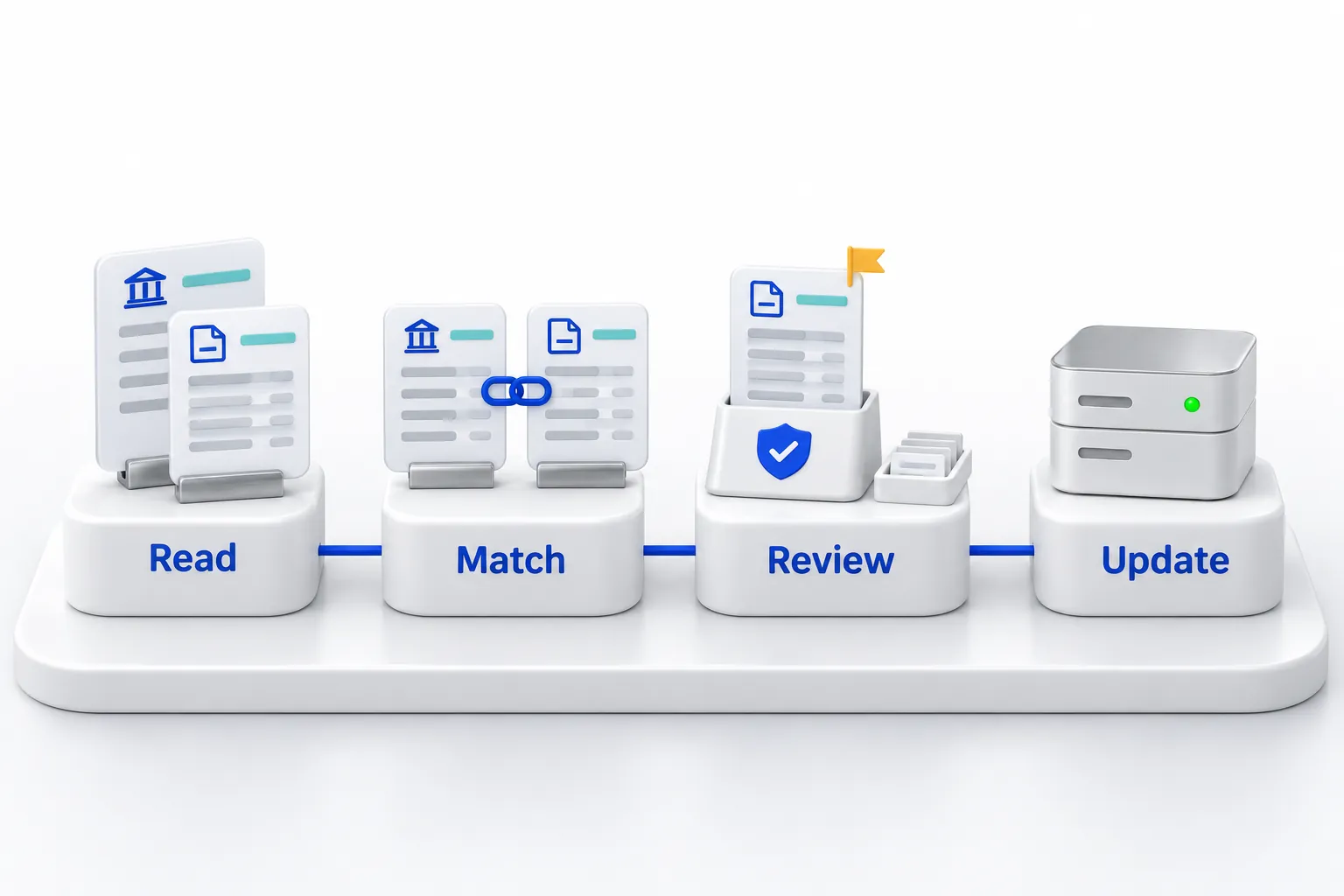
Agents read approved records, propose matches and explain each difference. Your people review the exceptions, and only approved changes reach the ERP.
Match bank statements, settlements, receipts and ledger entries using agreed rules. Route unmatched amounts, fees and timing differences to the right reviewer.
Bring approved attendance, employee changes and payroll inputs together. Flag missing or inconsistent records and prepare the calculation or export for an authorised reviewer.
Connect an agent to permitted documents and business records through retrieval-augmented generation (RAG). Define which tools it may use, how it presents evidence and when an uncertain request must be reviewed.
Compare advertising activity with reliable lead and sales data. Explain which campaigns are contributing to the agreed objective and prepare recommendations for creative, targeting, follow-up or budget review.
Review the supported interfaces and identities in your actual environment. Connect approved records to bounded agent tasks and keep read access separate from permission to change an order, posting or employee record.
Test representative questions, denied requests, interrupted connections and action outcomes. Begin with a bounded workflow and expand only after the responsible owners accept its behaviour.
A payment settlement contains several customer receipts and a processing fee. The agent prepares the matching ledger entries, explains any remaining difference and sends the proposed reconciliation for finance approval.
The workflow follows the permissions and approval points we agree with your team. Payment release, payroll changes and accounting adjustments can require an authorised person to review and approve them. Automation does not silently expand a user's access or authority.
Not sure this is the right starting point? Use the solution finder or browse all solutions.
Tell us about your workflow, the systems you use and the problem you want to solve.