Role and record access
Apply permissions for departments, branches, companies and individual records so each user receives information within their authorised scope.

Control who can ask which questions, access which records and approve which actions across your business AI systems.

Connecting an AI assistant to your business does not mean giving everyone access to everything. We design a governance layer around your users, departments, data sources and actions. Identity and permissions are checked before information is retrieved, and sensitive actions follow the approval process your business defines.
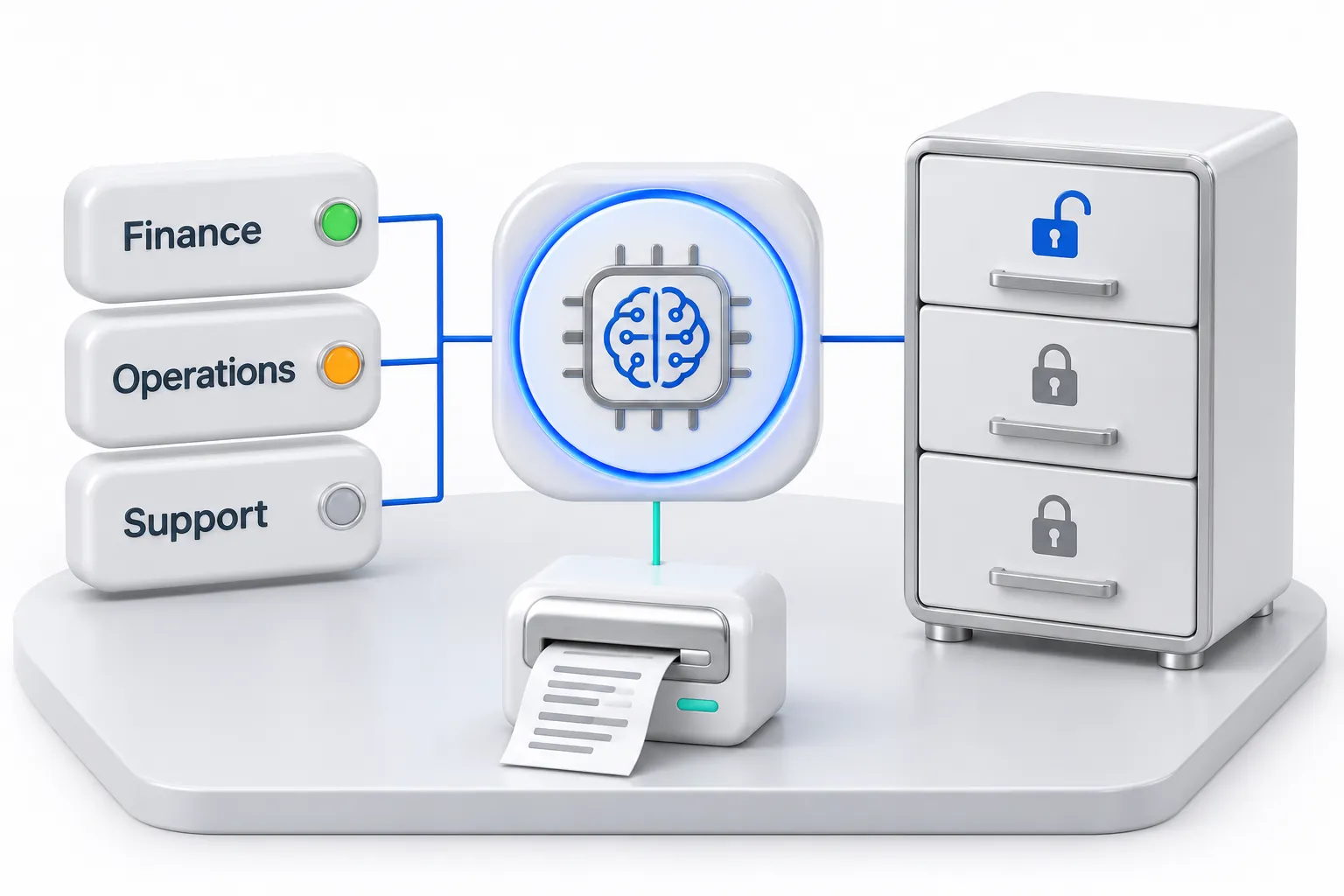
Each role sees only the records and actions it is permitted to use. Sensitive steps wait for approval, and every request leaves an audit trail.
Apply permissions for departments, branches, companies and individual records so each user receives information within their authorised scope.
Define which requests are allowed, which need approval and which must be refused. Separate permission to view a result from permission to change a business record.
Control the sources available to each assistant and make the records, reporting definitions and limitations behind an answer visible to authorised users.
Record requests, access decisions and approved actions. Test allowed and denied scenarios, then review exceptions as roles, sources and workflows change.
A branch manager can ask about stock and sales for their own location. A request for another branch's payroll is refused because those records fall outside that role, even if the assistant is connected to the wider ERP.
Yes. Answers must reflect the records each user is allowed to access. We enforce those restrictions in the data and application layers, then test them with both allowed and denied requests. A prompt instruction alone is not the access-control mechanism.
Not sure this is the right starting point? Use the solution finder or browse all solutions.
Tell us about your workflow, the systems you use and the problem you want to solve.