Connect your customer channels
Bring supported website chat, WhatsApp, social messages, email and helpdesk conversations into a shared customer-service workflow.
Connect customer conversations across your website, WhatsApp, social messaging, email and support tools, with approved answers and a clear handover to your team.

Customers should not have to start again when they change channels. We connect supported messaging, website, email and helpdesk interfaces around a shared support workflow. The assistant uses approved knowledge and permitted business records, while your team retains control of exceptions and sensitive requests. The available channels depend on each platform's APIs, account permissions and integration requirements.
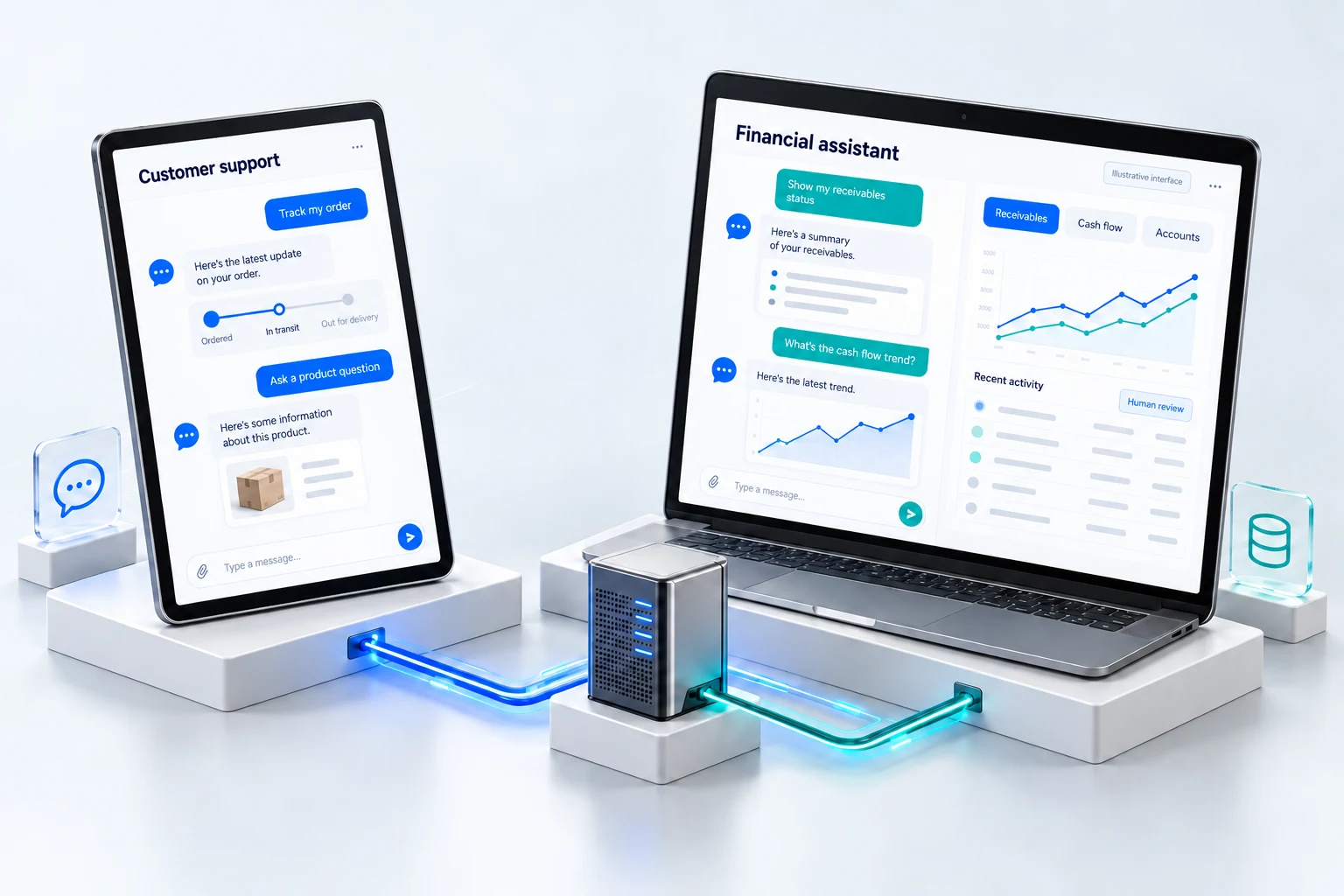
Questions from your website and messaging channels are answered from approved knowledge and order records, with a clear handover to your team.
Bring supported website chat, WhatsApp, social messages, email and helpdesk conversations into a shared customer-service workflow.
Use maintained product information, policies and permitted order or account lookups to provide a useful answer.
Pass the customer question, relevant history and unresolved issue to an available person or support queue.
Apply identity checks, approved knowledge, access controls and escalation rules before sharing personal or account information.
A customer asks about an order. The assistant provides the permitted status information and hands the conversation to support when the request requires a change or investigation.
The experience should acknowledge the limit and offer a useful human handover. We define those situations during discovery and include them in testing.
Not sure this is the right starting point? Use the solution finder or browse all solutions.
Tell us about your workflow, the systems you use and the problem you want to solve.